our Platform

Upload once, stream everywhere

The adaptive 3D streaming platform. Upload your assets, stream to any device, and scale without infrastructure — from prototype to production.
White text reading 'Beta is live' centered on a green background with faint white grid lines.
features

From raw asset to streaming endpoint. Automatically.

Miris lives between your 3D content and your users. We generate streaming-optimized assets deliverable to any device. No pipeline to build. No infrastructure to manage. Just upload and deliver.
Upload and process

Upload OpenUSD assets up to 10GB. Miris generates streaming-optimized files ready for deployment.

Adaptive streaming

Quality adapts in real time to device and network conditions for smooth performance everywhere.

Analytics

Monitor stream performance: load times, CDN cache hits, sessions, and device breakdown.

Embed SDK

Use the Miris Web SDK to add real-time 3D streaming to any React, Vue, or JS app.

CDN delivery

Assets stream from the nearest edge node. Global delivery with consistent low latency.

3D viewer

Share assets with clients and teammates as quickly as you would share an image.

Explore icon
Drag to explore
Drag icon
Left drag
Rotate icon
Rotate
Pan / navigation arrow icon
Right drag
What if 3D worked like video?
3D on the web has always meant a tradeoff. If you want 3D content fast, you crush the quality. If you need reach, you're paying per user, or praying they wait. Miris changes that. First frame delivered sub-second. No heavy files to ship. Works on any device, everywhere.
How it works

Upload once. Stream everywhere.

Stream every asset instantly while keeping your infrastructure simple and scalable.
Step 1 icon

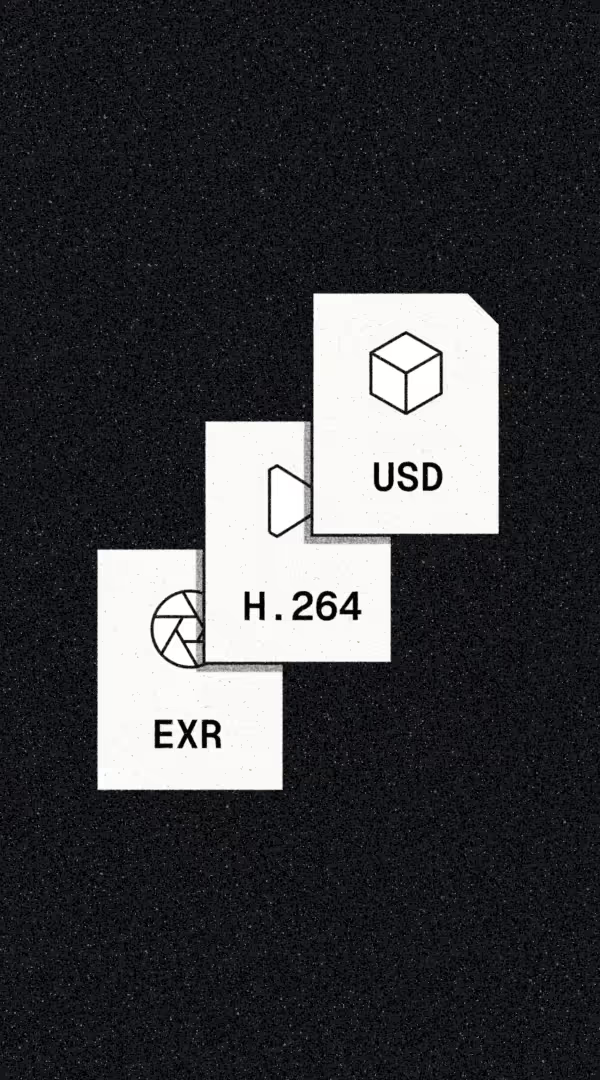
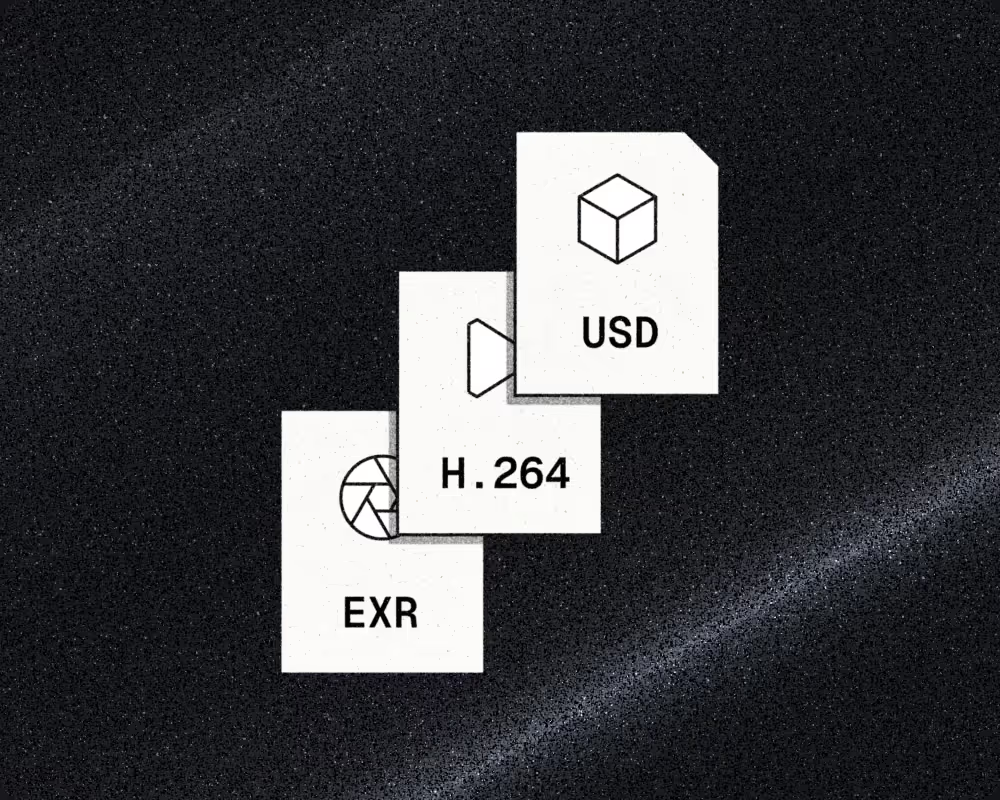
Start with any OpenUSD object or imagery

Import any 3D asset in OpenUSD format. Miris accepts models up to 10GB with textures, materials, and lighting data intact. Author in your digital content creation tool of choice, whether you’re working with CAD models, photogrammetry scans, or game assets, start with what you have.

Orange arrow icon
Supports textures, materials, and lighting data.
No manual stripping or re-export required.
Orange arrow icon
Up to 10GB per asset.
Large architectural models and high-poly scans accepted.
Orange arrow icon
Export guides for Blender, Maya, Houdini, and more.
Step-by-step USD export documentation.
Three overlapping document icons labeled EXR, H.264, and USD each with corresponding symbols on a dark speckled background.
Step 2 icon

Build the foundational asset

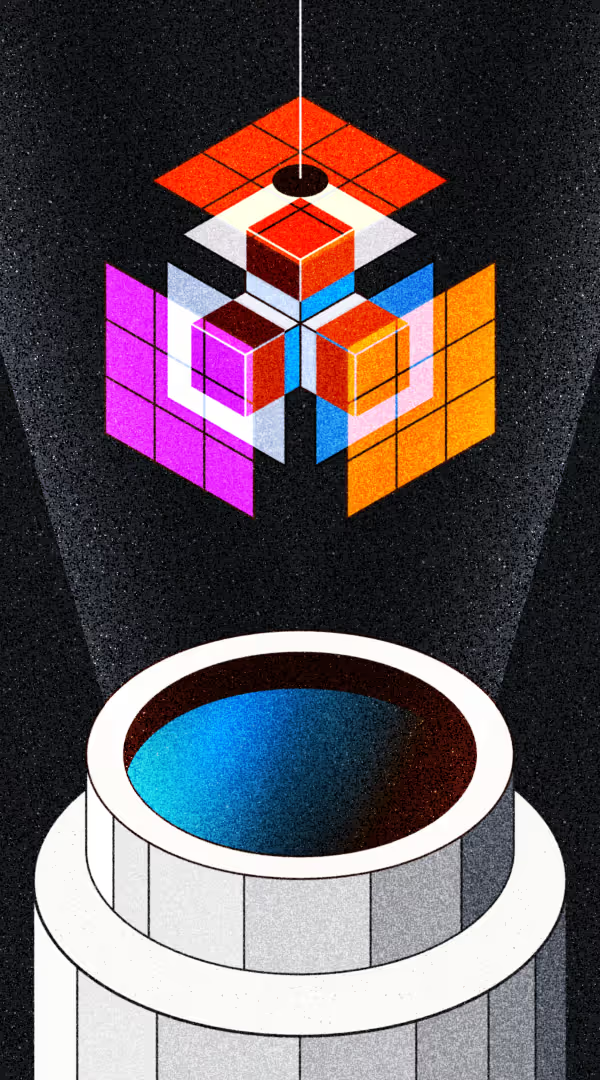
Miris converts your source file into a streaming-optimized format. Multi-resolution LODs are generated automatically. Geometry is compressed. Textures are optimized. Visual fidelity is preserved from the original. This is the foundation that makes adaptive 
delivery possible.

Orange arrow icon
Automatic LOD generation.
Multiple levels of detail from a single source file.
Orange arrow icon
Lossless visual fidelity.
Source materials, lighting, and textures preserved.
Orange arrow icon
Export guides for Blender, Maya, Houdini, and more.
Step-by-step USD export documentation.
Colorful geometric cube shapes glowing and floating above an open circular container against a black background.
Step 3 icon

Optimize for every device and network

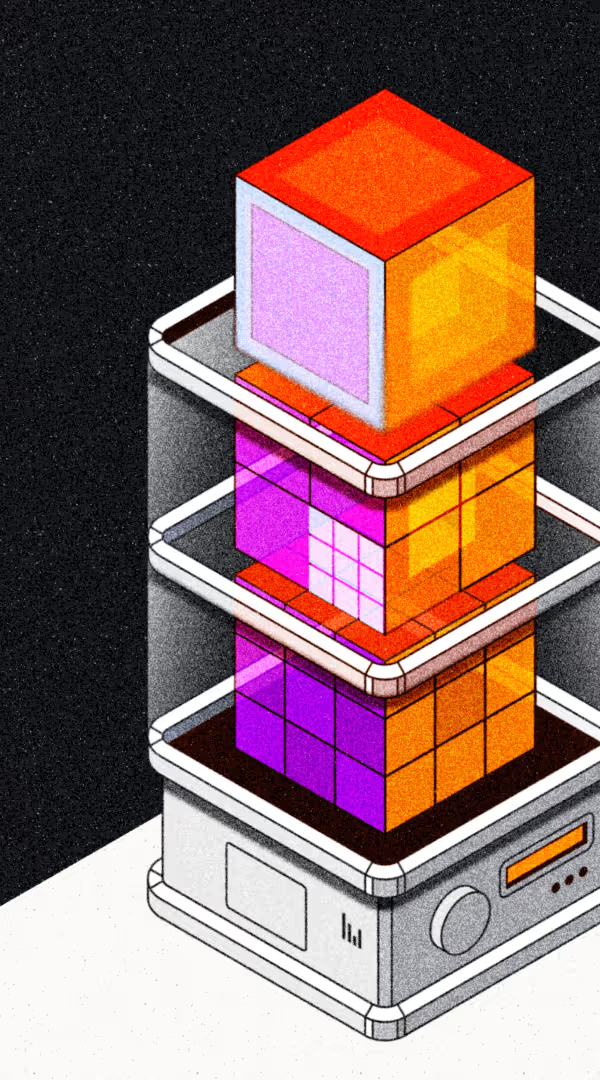
Miris analyzes each asset’s geometry complexity, texture resolution, and material composition to determine optimal compression and encoding strategies. The result: maximum visual quality delivered within your viewers’ bandwidth and device constraints. Quality adapts per viewport, per device, per network condition.

Orange arrow icon
Per-asset analysis.
Compression strategies based on actual geometry and texture complexity.
Orange arrow icon
Bandwidth-aware encoding.
Optimized for fiber, cellular, and constrained networks.
Orange arrow icon
Device-aware quality tiers.
Desktop GPU, mobile, and XR headsets each get appropriate fidelity.
3D illustration of stacked orange and purple cubes inside a transparent container resembling a futuristic tech device.
Step 4 icon

Your asset is stream-ready

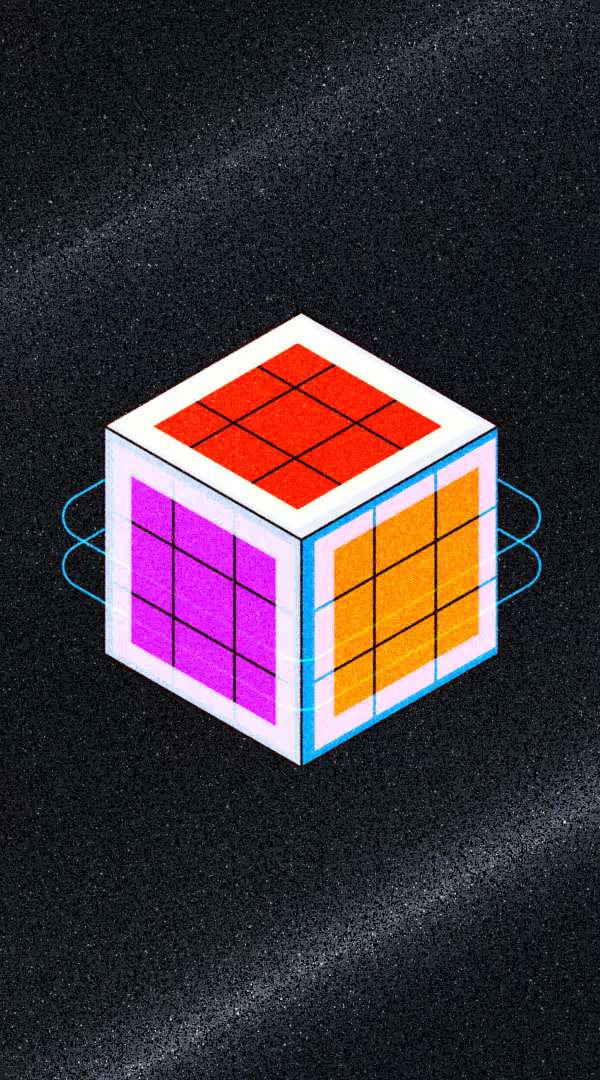
Your processed asset is now optimized for progressive delivery. Content is visible in seconds. Full detail loads as users explore. Quality transitions are automatic, adapting to viewport distance, device capability, and network conditions in real time.

Orange arrow icon
First frame in milliseconds.
Visible before full detail arrives.
Orange arrow icon
Progressive loading.
Detail increases as users zoom and rotate.
Orange arrow icon
Resolution-independent.
Same source, optimized output per device.
3D cube with red, purple, and orange grid-patterned faces on a black, textured background.
Step 5 icon

Data where you need it

Miris routes your content through a global CDN. Assets are cached at edge nodes close to your users. Predictive loading ensures sub-second response times regardless of asset complexity or user location. No origin server bottleneck. Performance is predictable from day one.

Orange arrow icon
Global CDN delivery.
Nearest edge node serves every request.
Orange arrow icon
Predictive caching.
Sub-second response times worldwide.
Orange arrow icon
No per-session compute.
Costs scale with storage, not concurrency.
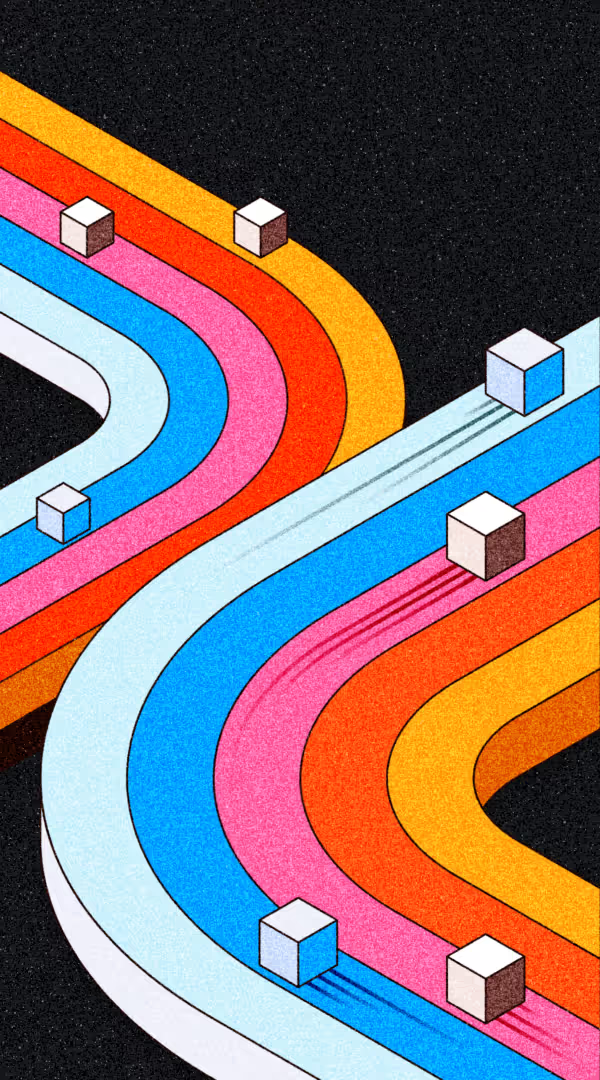
White cubes moving along vibrant, curved, multicolored tracks on a black background.
Step 6 icon

Integrate into your workflow

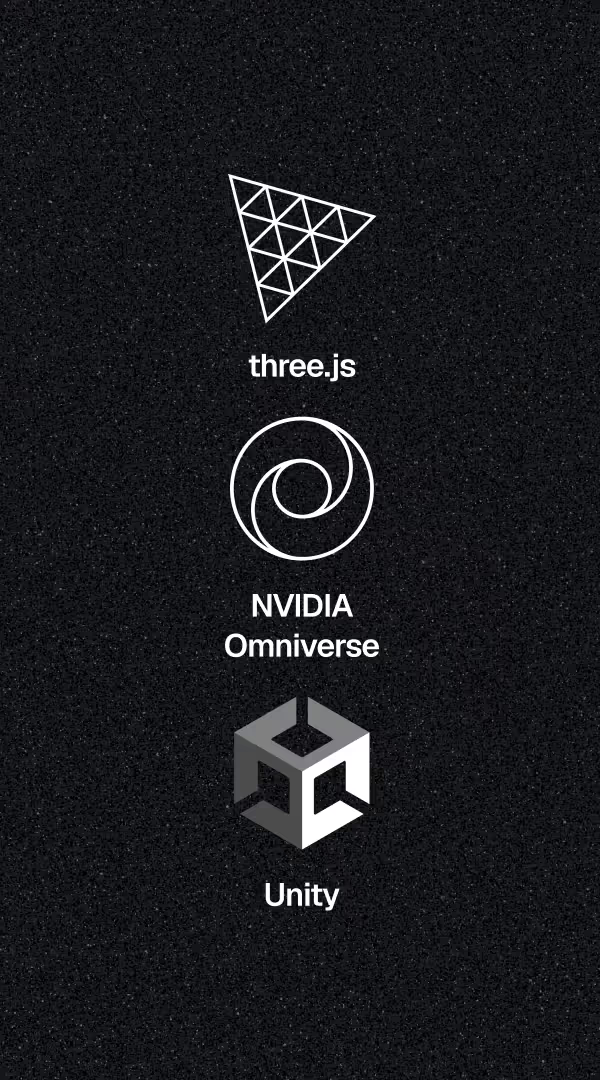
Connect Miris to the tools you already use. Drop a component into React, Vue, or vanilla JS — our Web SDK integrates directly with three.js as the runtime environment. No workflow changes. No re-architecture. Your tools, your pipeline, our delivery layer.

Orange arrow icon
Web SDK.
JavaScript for web with TypeScript types. Integrates with three.js and any WebGL-compatible renderer.
Orange arrow icon
Zero lock-in.
Miris sits alongside your current stack. Standard components, standard patterns. Remove it and your app still builds.
Orange arrow icon
More platforms (comings soon).
Native SDKs for mobile and game engines are on the roadmap. Join the beta to shape what's next.
Logos of three software platforms: three.js with a triangular grid, NVIDIA Omniverse with a circular swirl, and Unity with a hexagonal geometric shape, on a dark textured background.
Step 7 icon

Build once, stream anywhere

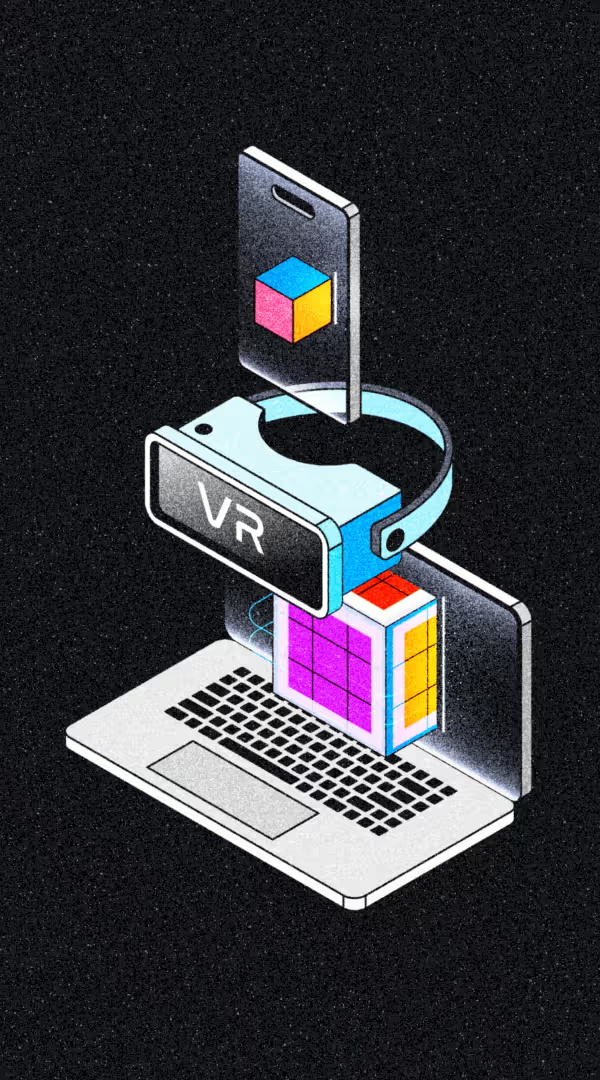
Embed in any web app with a React, Vue, or vanilla JS component. Your users don't download anything — they just open a link and see your model instantly, whether they're on a laptop, phone, or WebXR headset. One asset, one endpoint, every browser.

Orange arrow icon
Web SDK.
React, Vue, vanilla JS. ~18KB gzipped. TypeScript types included.
Orange arrow icon
Cross-device.
Runs in any modern browser — desktop, mobile, or headset. No native app required.
Isometric illustration of a VR headset labeled 'VR' floating above a laptop with a 3D colorful cube and smartphone.
Three overlapping document icons labeled EXR, H.264, and USD each with corresponding symbols on a dark speckled background.
Step 1 icon

Start with any USD object or imagery

Import any 3D asset in OpenUSD format. Miris accepts models up to 10GB with textures, materials, and lighting data intact. Author in your digital content creation tool of choice, whether you’re working with CAD models, photogrammetry scans, or game assets, start with what you have.

Orange arrow icon
Supports textures, materials, and lighting data.
No manual stripping or re-export required.
Orange arrow icon
Up to 10GB per asset.
Large architectural models and high-poly scans accepted.
Orange arrow icon
Export guides for Blender, Maya, Houdini, and more.
Step-by-step USD export documentation.
Colorful geometric cube shapes glowing and floating above an open circular container against a black background.
Step 2 icon

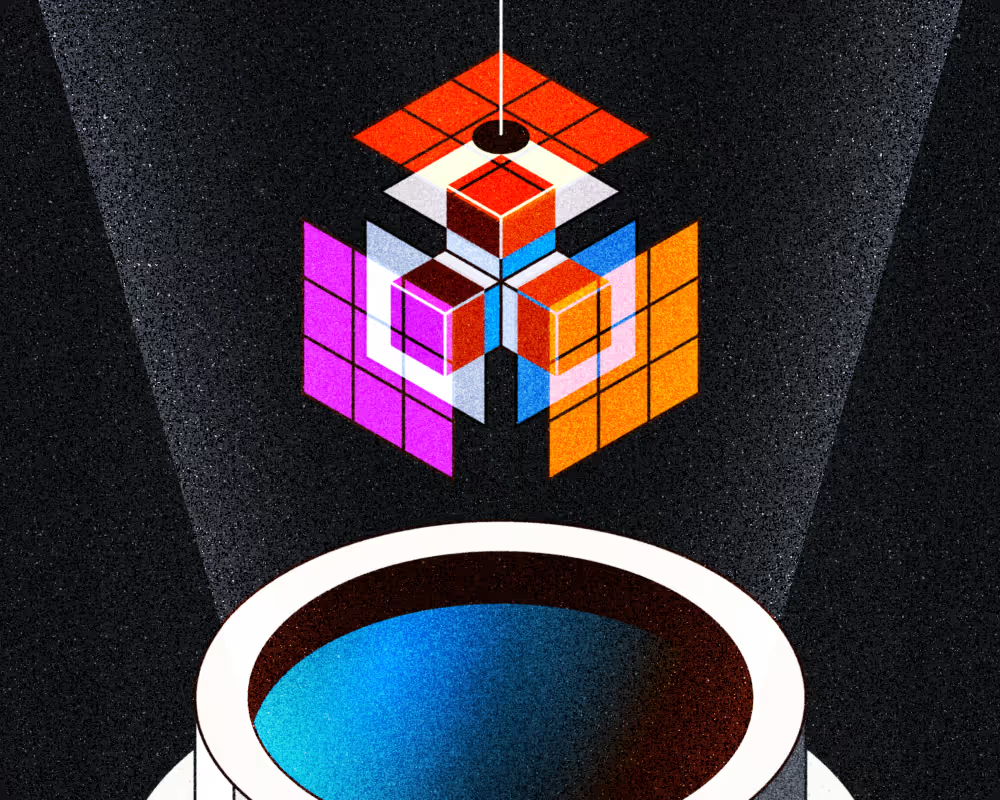
Build the foundational asset

Miris converts your source file into a streaming-optimized format. Multi-resolution LODs are generated automatically. Geometry is compressed. Textures are optimized. Visual fidelity is preserved from the original. This is the foundation that makes adaptive 
delivery possible.
Orange arrow icon
Automatic LOD generation.
Multiple levels of detail from a single source file.
Orange arrow icon
Lossless visual fidelity.
Source materials, lighting, and textures preserved.
Orange arrow icon
Export guides for Blender, Maya, Houdini, and more.
Step-by-step USD export documentation.
3D cube with red, purple, and orange grid-patterned faces on a black, textured background.
Step 3 icon

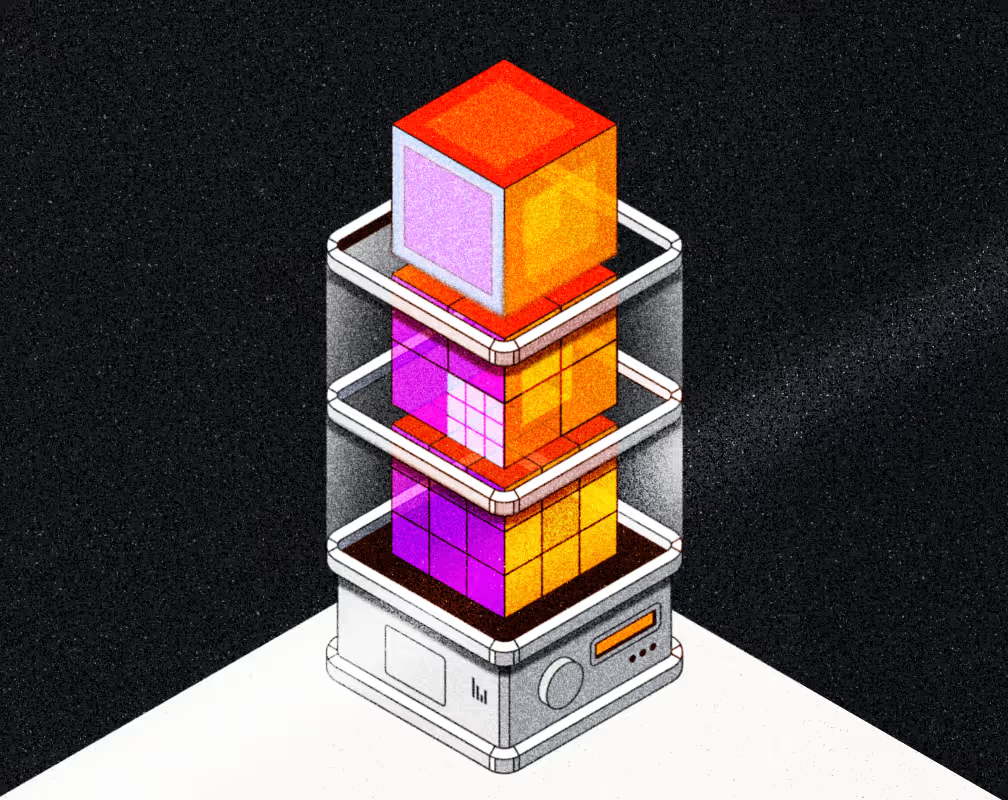
Optimize for every device and network

Miris analyzes each asset’s geometry complexity, texture resolution, and material composition to determine optimal compression and encoding strategies. The result: maximum visual quality delivered within your viewers’ bandwidth and device constraints. Quality adapts per viewport, per device, per network condition.
Orange arrow icon
Per-asset analysis.
Compression strategies based on actual geometry and texture complexity.
Orange arrow icon
Bandwidth-aware encoding.
Optimized for fiber, cellular, and constrained networks.
Orange arrow icon
Device-aware quality tiers.
Desktop GPU, mobile, and XR headsets each get appropriate fidelity.
3D illustration of stacked orange and purple cubes inside a transparent container resembling a futuristic tech device.
Step 4 icon

Your asset is stream-ready

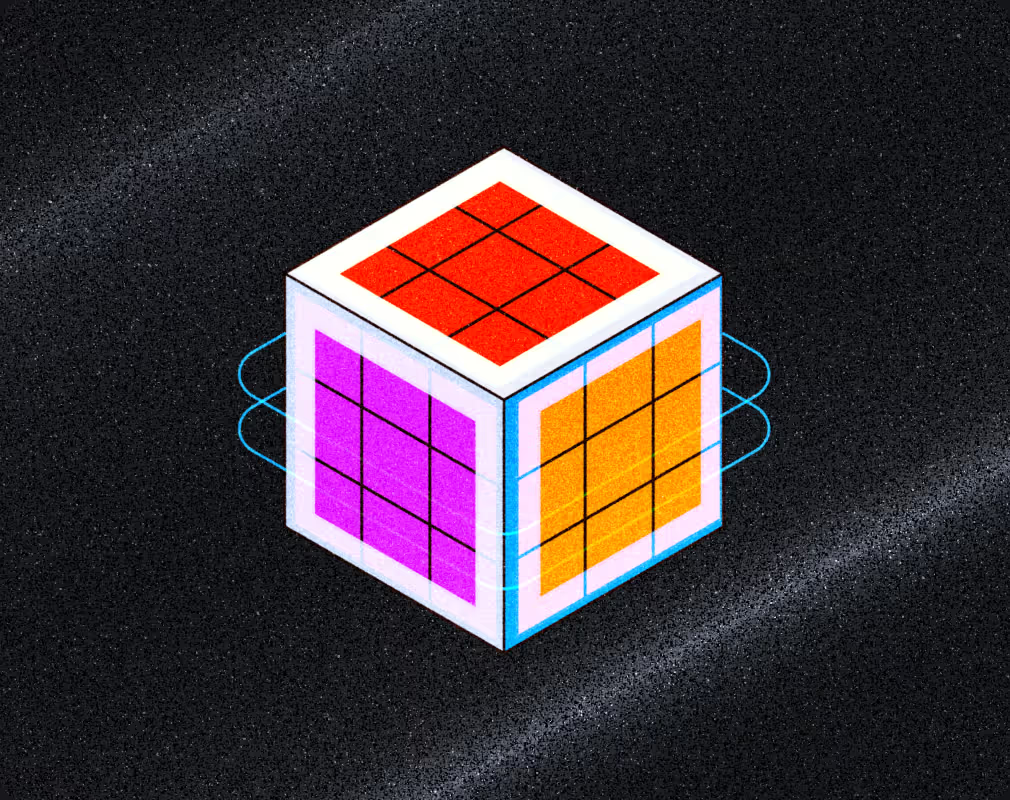
Your processed asset is now optimized for progressive delivery. Content is visible in seconds. Full detail loads as users explore. Quality transitions are automatic, adapting to viewport distance, device capability, and network conditions in real time.
Orange arrow icon
First frame in under 2 seconds.
Visible before full detail arrives.
Orange arrow icon
Progressive loading.
Detail increases as users zoom and rotate.
Orange arrow icon
Resolution-independent.
Same source, optimized output per device.
White cubes moving along vibrant, curved, multicolored tracks on a black background.
Step 5 icon

Data where you need it

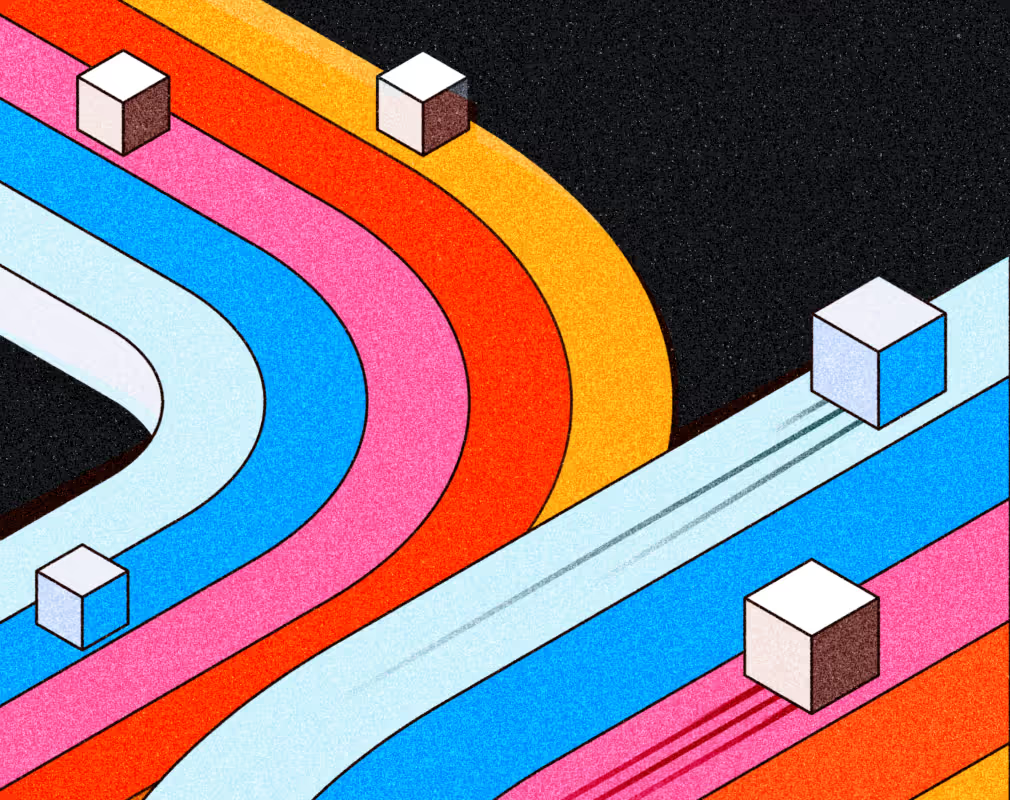
Miris routes your content through a global CDN. Assets are cached at edge nodes close to your users. Predictive loading ensures sub-second response times regardless of asset complexity or user location. No origin server bottleneck. Performance is predictable from day one.
Orange arrow icon
Global CDN delivery.
Nearest edge node serves every request.
Orange arrow icon
Predictive caching.
Sub-second response times worldwide.
Orange arrow icon
No per-session compute.
Costs scale with storage, not concurrency.
Logos of three software platforms: three.js with a triangular grid, NVIDIA Omniverse with a circular swirl, and Unity with a hexagonal geometric shape, on a dark textured background.
Step 6 icon

Integrate into your workflow

Connect Miris to the tools you already use. Drop a component into React, Vue, or vanilla JS — our Web SDK integrates directly with three.js as the runtime environment. No workflow changes. No re-architecture. Your tools, your pipeline, our delivery layer.
Orange arrow icon
Web SDK.
JavaScript for web with TypeScript types. Integrates with three.js and any WebGL-compatible renderer.
Orange arrow icon
Zero lock-in.
Miris sits alongside your current stack. Standard components, standard patterns. Remove it and your app still builds.
Orange arrow icon
More platforms (comings soon).
Native SDKs for mobile and game engines are on the roadmap. Join the beta to shape what's next.
Isometric illustration of a VR headset labeled 'VR' floating above a laptop with a 3D colorful cube and smartphone.
Step 7 icon

Build once, stream anywhere

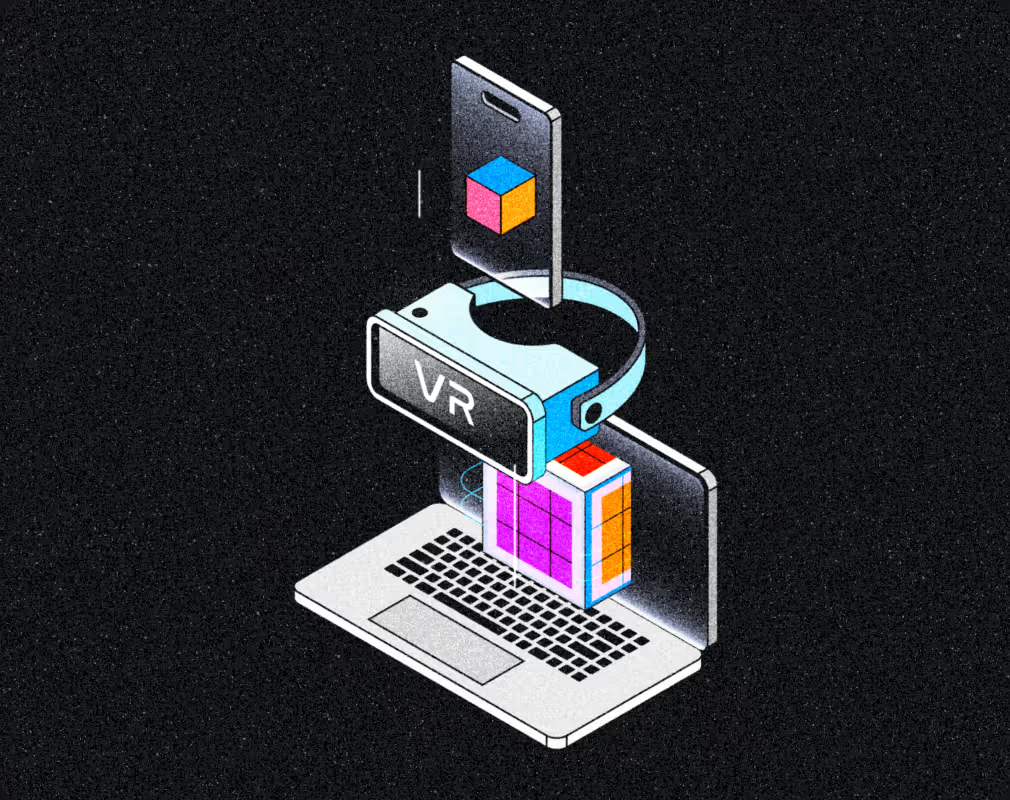
Embed in any web app with a React, Vue, or vanilla JS component. Your users don't download anything — they just open a link and see your model instantly, whether they're on a laptop, phone, or WebXR headset. One asset, one endpoint, every browser.
Orange arrow icon
Web SDK.
React, Vue, vanilla JS. ~18KB gzipped. TypeScript types included.
Orange arrow icon
Cross-device.
Runs in any modern browser — desktop, mobile, or headset. No native app required.
Integrations
Unity logo
three.js logo
Wireframe illustration of interconnected transparent cubes forming a complex 3D geometric pattern on a dark textured background, with a blurred window with lines behind it.
Orange arrow icon
THE DIFFERENCE

One asset. Every device.

Video streaming solved adaptive delivery for pixels decades ago. Miris applies the same architecture to 3D. Geometry, materials, and lighting stream to any device based on what it can handle — no file downloads, no server-side rendering, 
no quality compromise.
Two overlapping right-pointing triangle shapes forming a fast forward icon.
01.
Speed

First frame renders in under 2 seconds. We stream what's visible first, then progressively load detail as users explore.
Black symbol resembling a looped cross with four circular ends on a light background.
02.
Fidelity

Assets stream at native resolution. Level-of-detail adapts automatically based on viewport and device capability.
Black outlined plus sign composed of five equally sized squares arranged with one square in the center and one on each side.
03.
Scale

Upload once, stream anywhere. Cross-platform delivery to phones or workstations — no manual optimization required.
Geometric abstract logo consisting of two overlapping triangles forming an hourglass shape.
04.
Cost

You pay for what you stream, not for standing up or maintaining rendering infrastructure. No GPU servers.